

Markdown note – script
October 16, 2024
General
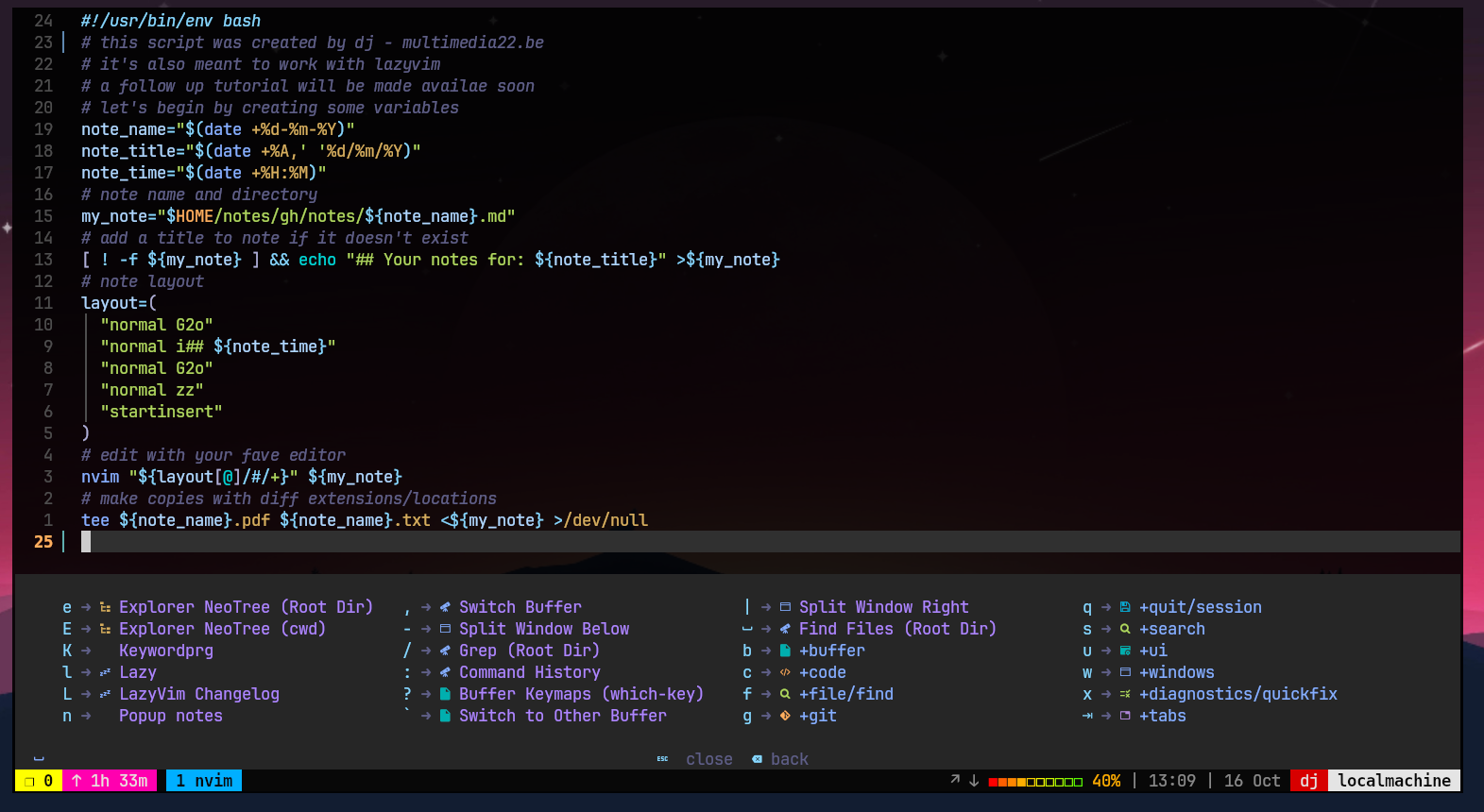
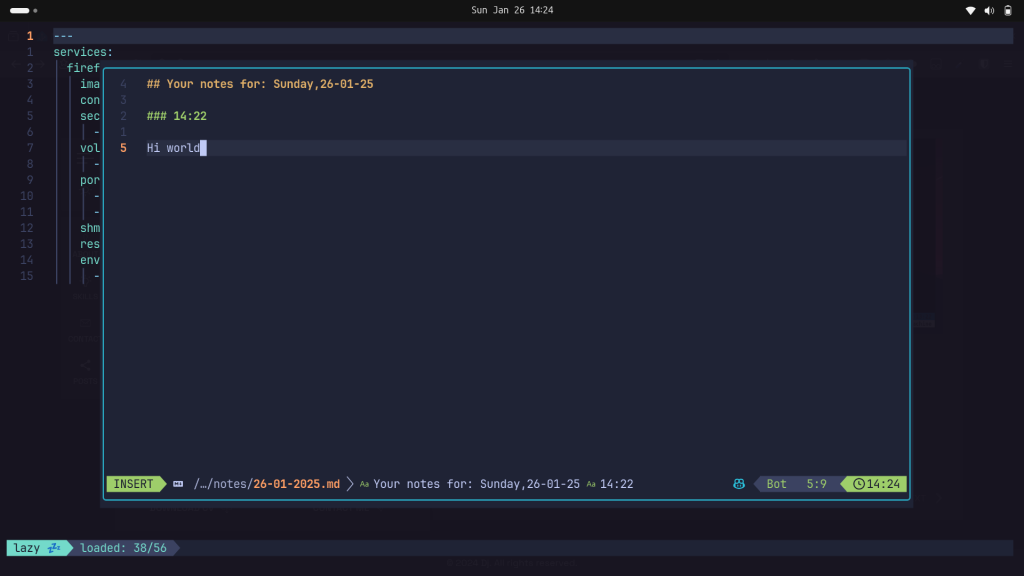
I have written a bash script to take markdown notes. This script works for Neovim, I have integrated into Lazyvim to be able to take full advantage of the modern, powerful, and highly customizable text editor Neovim that builds on foundation of vim.
Just export the script into your $PATH, preferably to ~/.local/bin/note.sh and don’t forget to give the right permission chmod +x
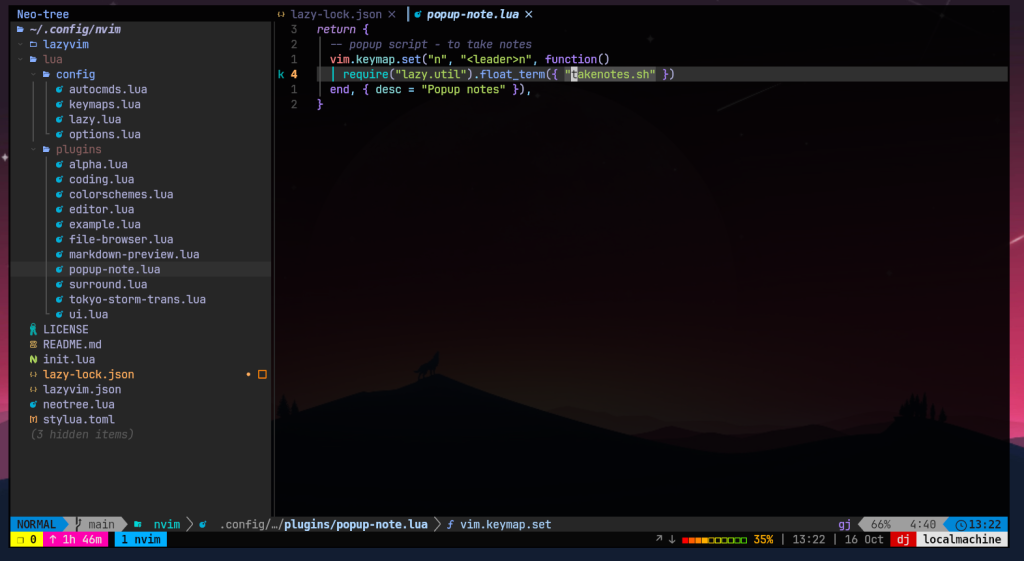
Go to your Neovim config file and return a lua, in my case I just created a file under plugins and add the following code.
return {
— popup script – to take notes
vim.keymap.set(“n”, “n”, function()
require(“lazy.util”).float_term({ “takenotes.sh” })
end, { desc = “Popup notes” }),
}
Related Posts